 PhotoTune
 Home / Guides
Guides to editing photos on iPhone
Each guide answers one question, starts with what the iPhone's own Photos app can do, and says where every method falls short, ours included.
Download on theApp Store-
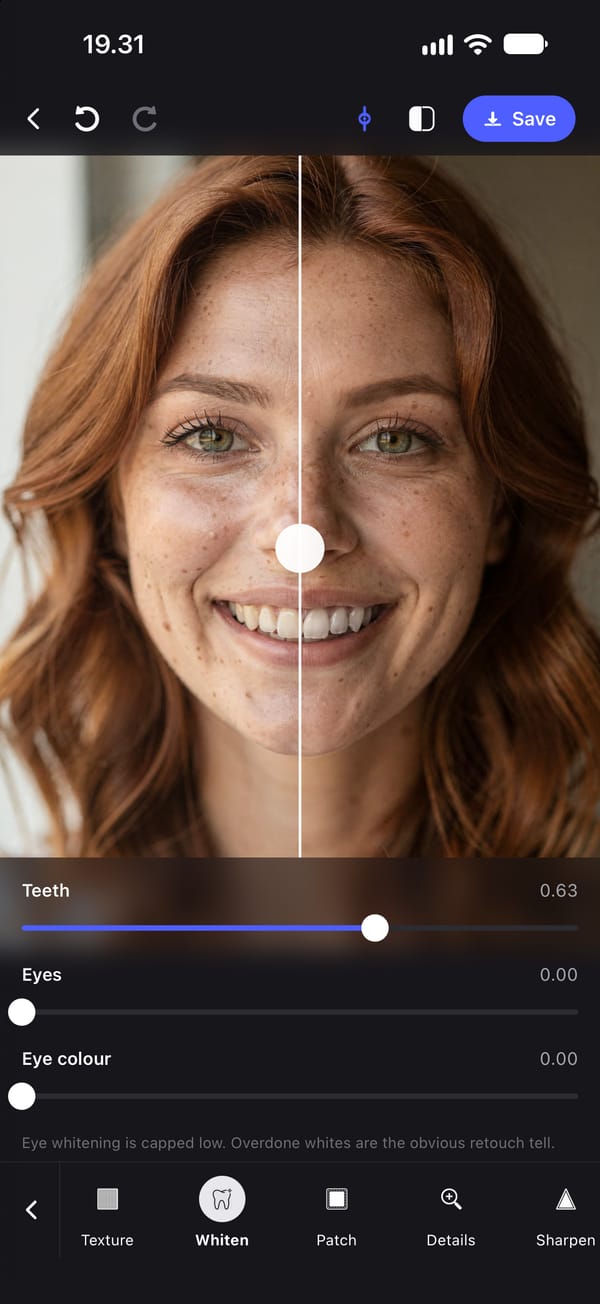
How to whiten teeth in a photo on iPhone
The iPhone Photos app has no teeth whitening tool. What its sliders can and cannot do, and how to whiten only the teeth, step by step with screenshots.
Last checked 5 October 2026
-
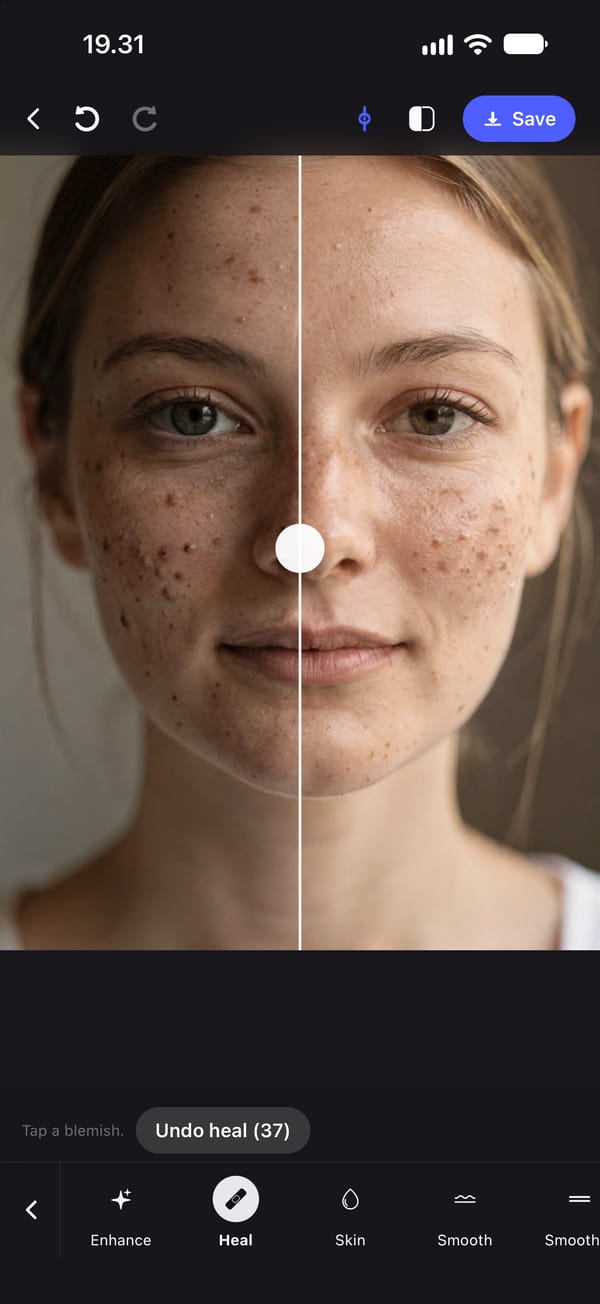
How to remove pimples from a photo on iPhone
Two ways to edit a pimple out of a photo on iPhone: Clean Up in the Photos app, where it exists, and a one-tap Heal tool. Steps, screenshots and limits.
Last checked 18 October 2026
-
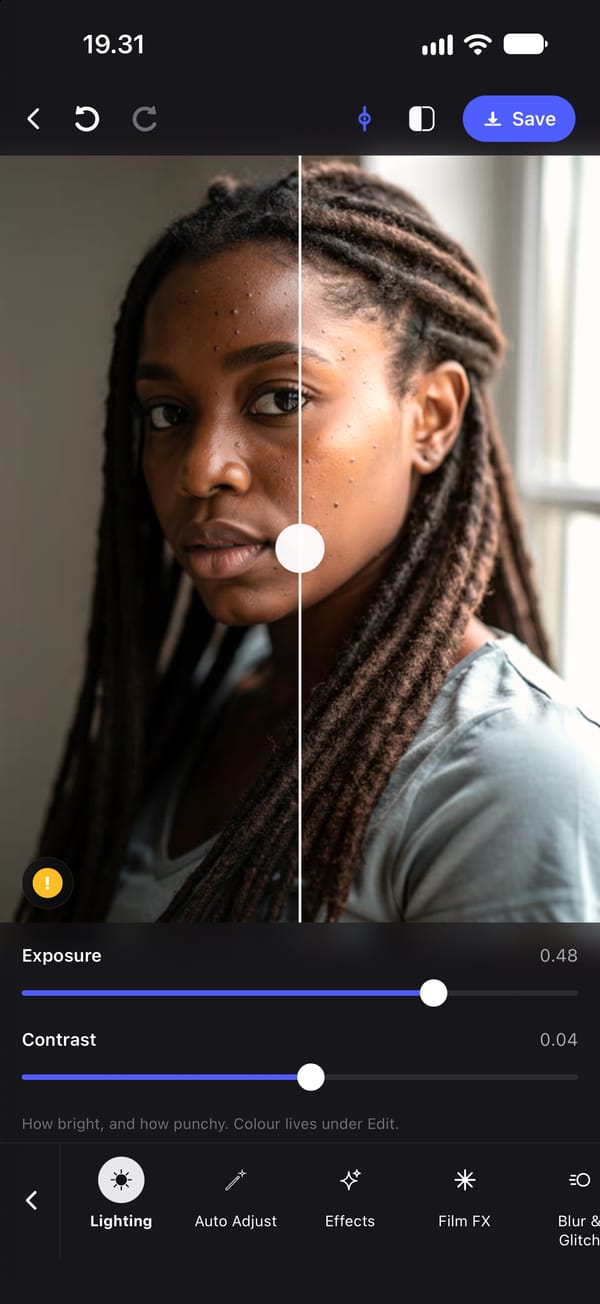
How to brighten a dark photo on iPhone
Brighten a dark or backlit photo on iPhone with the Photos app's Adjust settings, or light the face with PhotoTune's Flash. Steps, screenshots and limits.
Last checked 18 October 2026
-
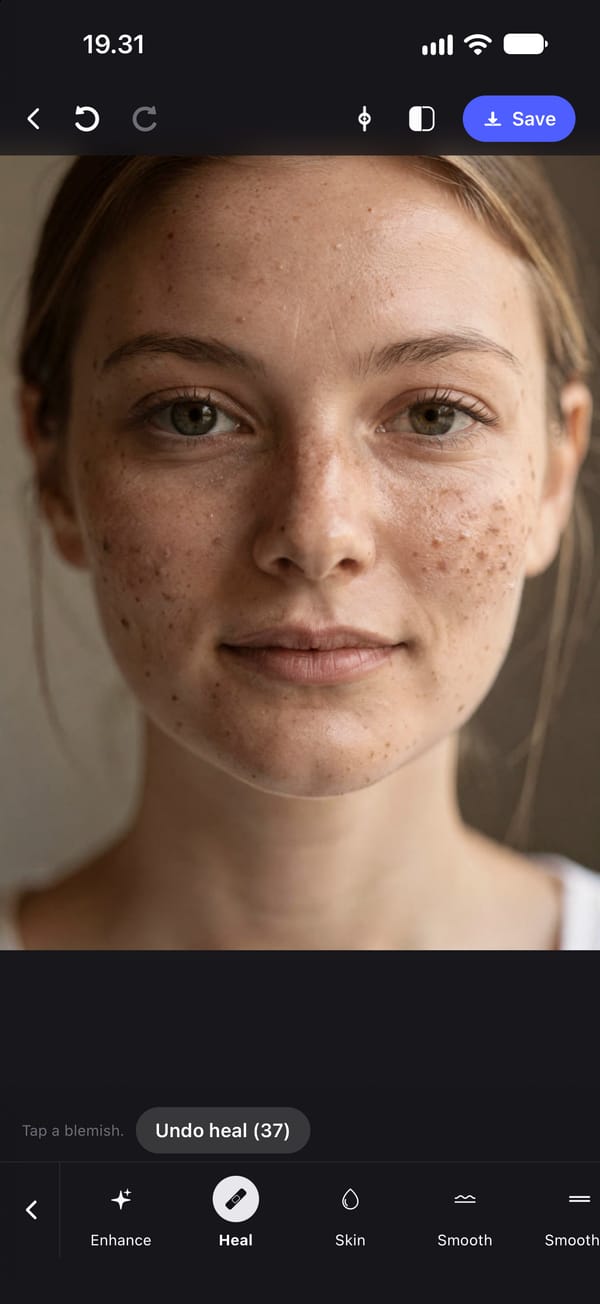
How to remove dark spots and acne marks from a photo
How to remove dark spots, acne marks and leftover redness from a photo on iPhone, which marks to keep, and why blurring the face is the wrong fix.
Last checked 18 October 2026
-
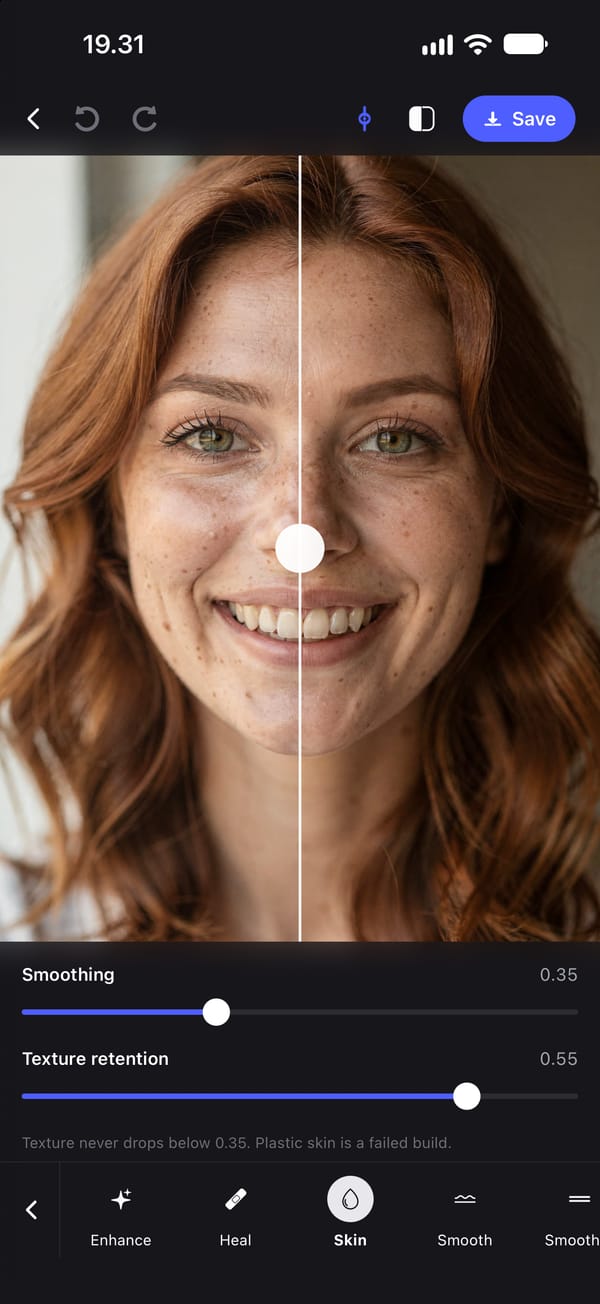
How to smooth skin in a photo on iPhone
The iPhone Photos app can only soften skin in photos from an iPhone 18 Pro. How to smooth skin in any photo, keep its texture and avoid the plastic look.
Last checked 18 October 2026
-
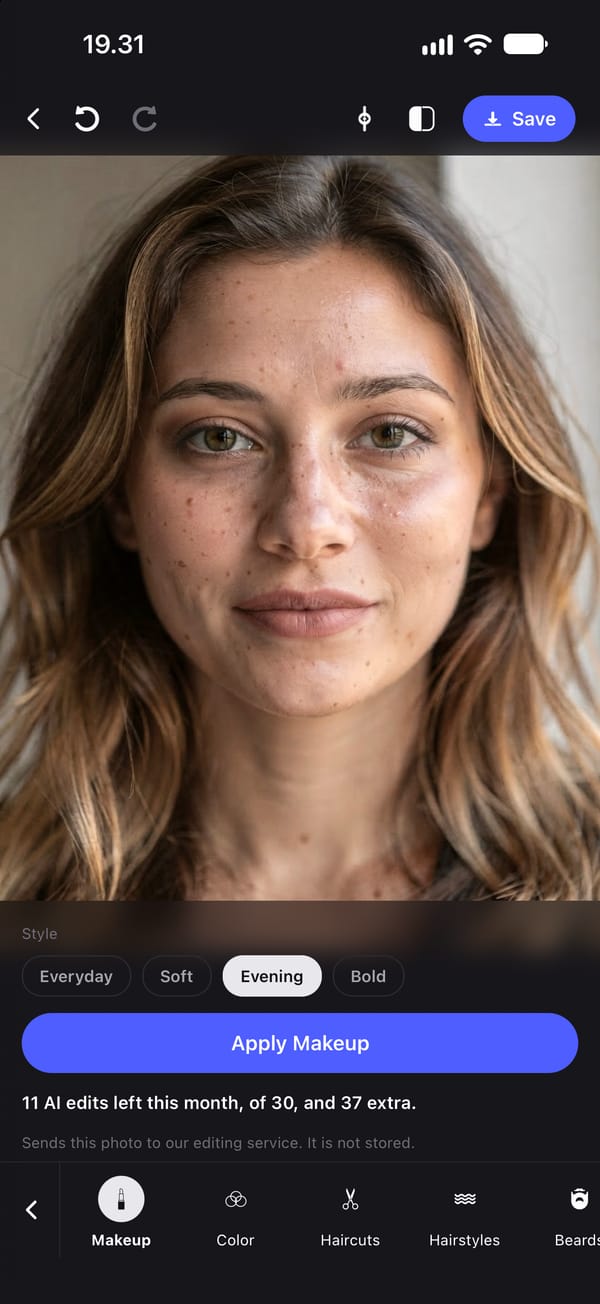
How to add makeup to a photo on iPhone
The iPhone Photos app has no makeup tool. What works: a makeup Lens in Snapchat as you take the photo, or an AI makeup look on a photo you already have.
Last checked 18 October 2026
-
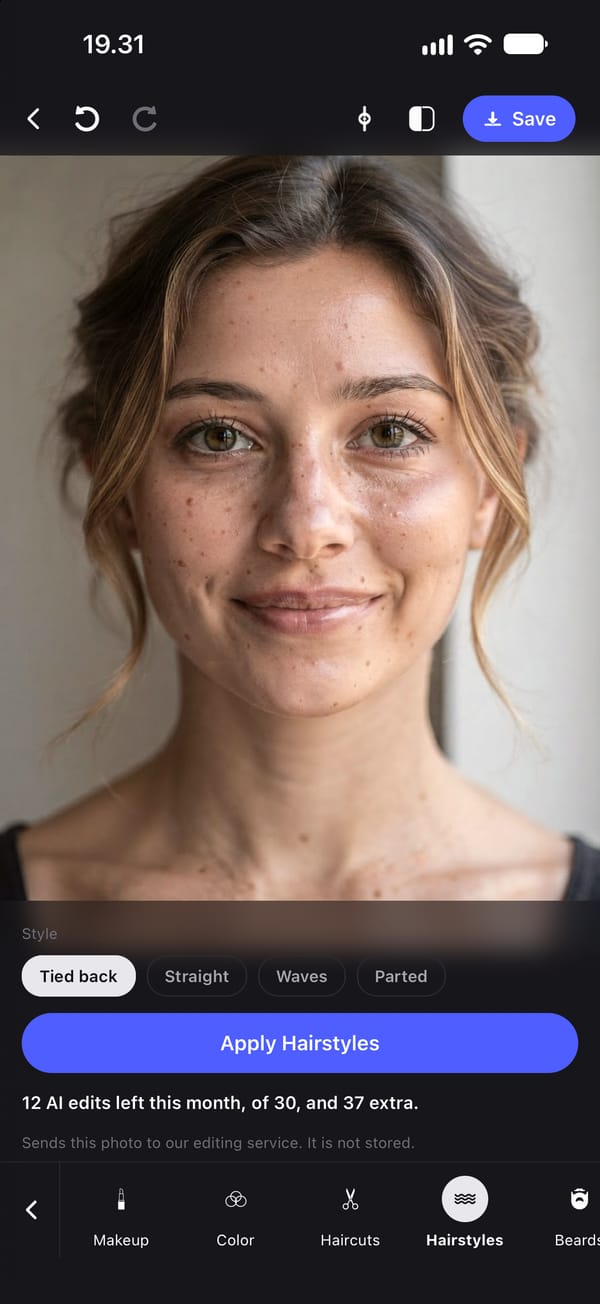
How to change your hairstyle in a photo
The iPhone Photos app has no hair tool. Two ways to try a new haircut, style or hair colour on your own photo, step by step, and where each falls short.
Last checked 18 October 2026